Group Study Room
The Lomira Quad/Graphics Community Library provides patrons with a space for study. This includes one (1) group study room. The group study room is provided for individuals or small groups up to (3) three.
Our Library
Puzzle Tables & Sticker Mosaic, Meet Franklin, Play Lab, Study Rooms, Get a Library Card, Internet Access/WiFi.
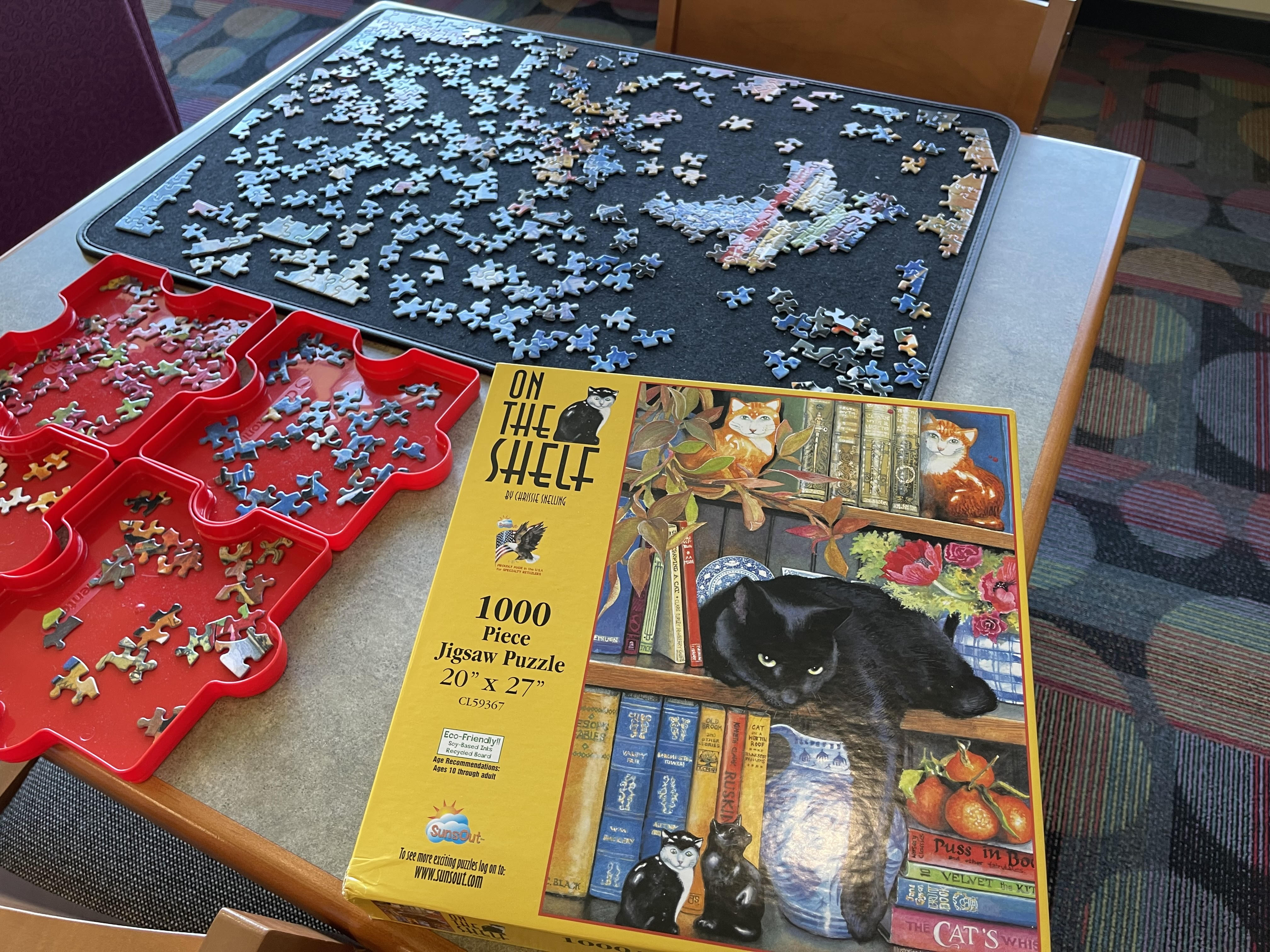
Puzzle Tables & Sticker Mosaic
We always have a couple of community puzzles out for your enjoyment. The Sticker Mosaic is also a great way to spend some time when visiting the library, follow our social media page to discover what the finished mosaic looks like.
Facebook
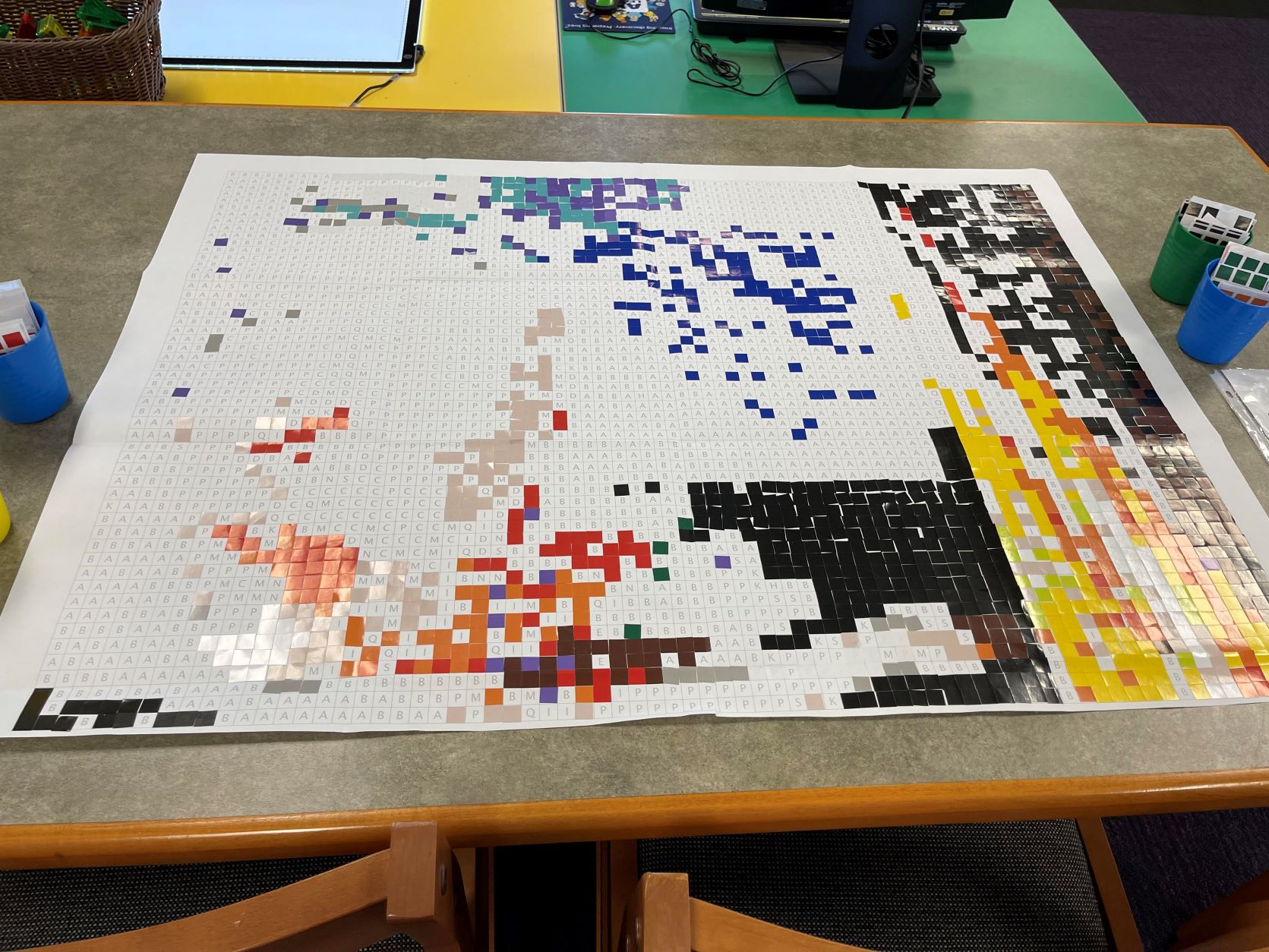
Meet Franklin
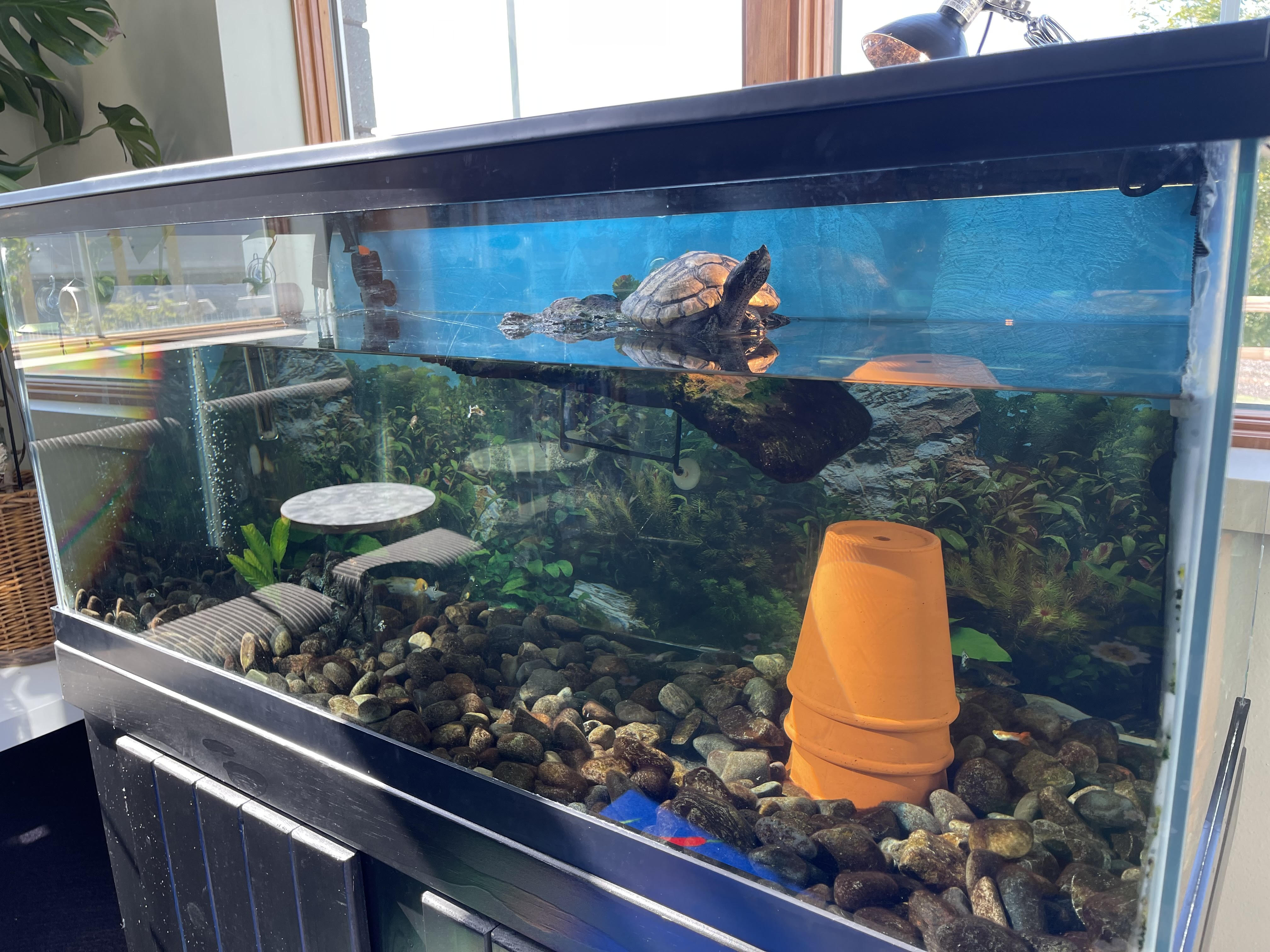
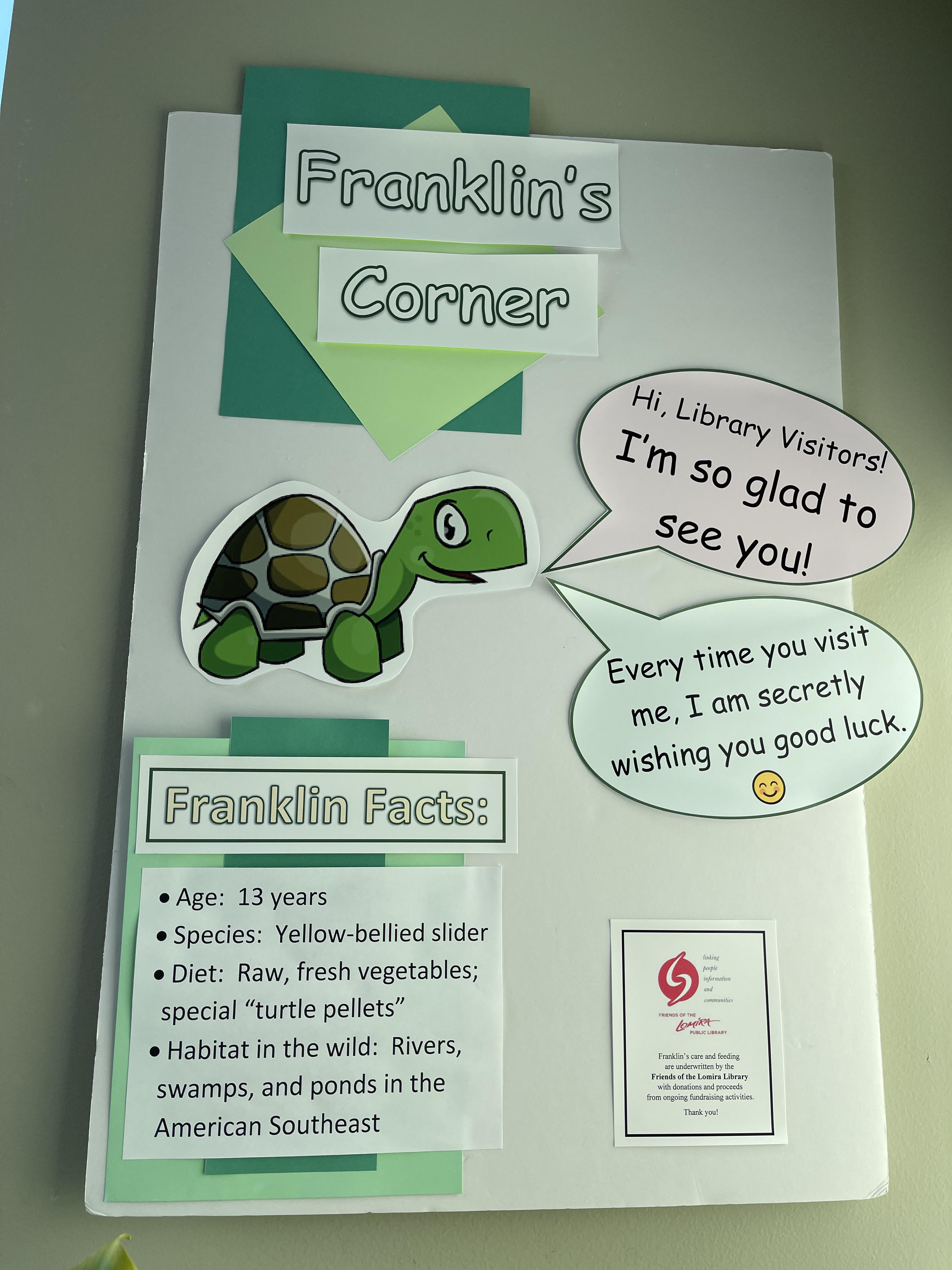
Come in and say hi to our library buddy, Franklin. Franklin is a 17 year old Yellow-bellied slider turtle. We love our little buddy and we are sure he would love to meet you!
Play Lab
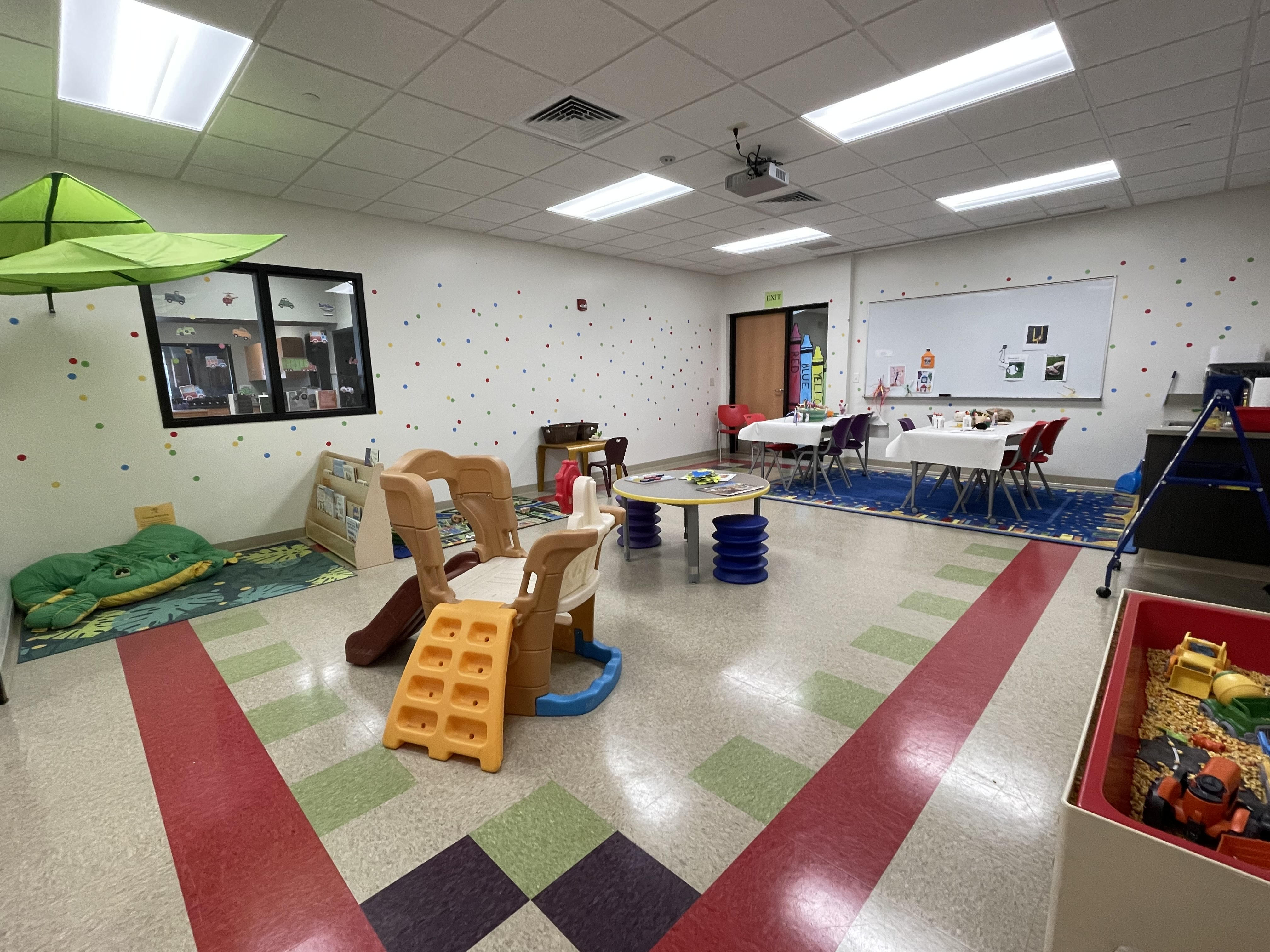
Stop in and experience the activities found in our play lab. From crafts to interactive play stations, there is something for all budding minds to enjoy. Our play lab does change themes from time to time so you never know what you will find!
Study Rooms
The Lomira Quad/Graphics Community Library provides patrons with a space for study. This includes one (1) group study room. The group study room is provided for individuals or small groups up to (3) three.
If a room is not in use or reserved, walk-ins are welcomed.
Get a Library Card
You may sign up for a card in person. You’ll need a photo ID with your name and current address, such as your driver’s license or state ID. Or bring in a photo ID without a current address, such as a driver’s license, state ID, school or work issued ID or consular ID, plus an official document that lists your name and current address. Examples include a voter registration card, mail postmarked within 30 days, utility bill or personal check. If you have questions, please call us at 920-269-4115.
Your password/PIN is usually the last four digits of the telephone number you gave when you registered for your card. If you are unable to sign in using that, call us and we can update it for you.
You can get a replacement card for a $2 replacement fee. You can update any account information at our service desk.
Internet Access/WiFi
The Library provides 10 Internet-connected computers to Monarch Library cardholders. All public computers have Windows 10 with Microsoft Office Standard 2016 including Microsoft Word, Publisher, Power Point, and Excel.
We also offer WiFi access throughout the library. You can connect for an unlimited amount of time on your own device.
Printing is available through the hardwired computers onsite. At this time, we do not have wi-fi printing capabilities. Printing costs are requested on a donation basis at $0.25 cents per black and white copy and $0.50 cents for color.